
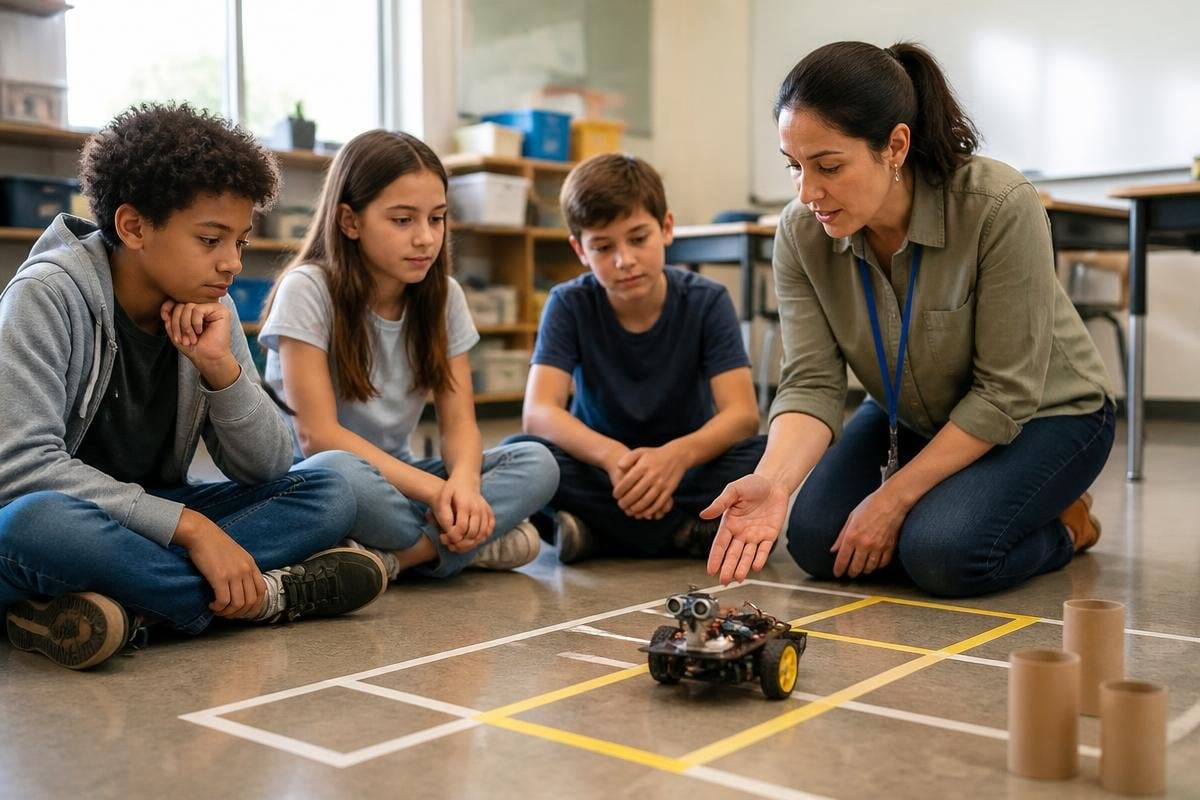
A classroom robot needs a job that students can understand and teachers can manage. Before you ask about movement, speech, or artificial intelligence, decide what students should learn and how the robot will help them learn it.
Quick read
- Start with one lesson, not a room full of devices.
- Ask what the robot records, where the data goes, and who can access it.
- Plan for setup, charging, repairs, supervision, and a lesson without the robot.
Start with the learning goal
A robot can be a programmable machine, a mobile platform, a robotic arm, or a small kit with sensors and motors. The form matters less than the task. Students might write code that changes a robot’s path, test how a sensor reacts to light, or compare a planned movement with the machine’s actual movement.
Write the lesson goal before you choose the robot. “Students will build a program that makes the robot stop when its distance sensor detects an object” gives you something to test. “Students will learn about robotics” leaves too much unanswered.
The activity also needs a clear result. Students should be able to run the program, inspect what happened, change one part, and explain the result in their own words. That keeps the robot from becoming a moving prop at the front of the room.
Check the work around the robot
A classroom robot needs more than a purchase price. You’ll need a way to charge it, store it, update its software, replace damaged parts, and prepare students to use it safely. Ask who handles those jobs and how long each one takes.
Look at the teacher’s role during a lesson. Can one teacher stop all units at once? Does each student need an account? Can the robot work without an internet connection? What happens if a device loses power halfway through an activity?
These questions matter because classroom time is fixed. If setup takes longer than the lesson, the robot may spend more time on a table than in student hands. A short trial with one class can show where the plan breaks before the school buys a larger set.
A classroom robot’s lesson plan needs a clear task, setup time, and teacher role. Reports at Robot24 can give you details to compare with a product demo before the next section asks what happens to student data.
Ask about students and data
A robot with a camera, microphone, cloud connection, or student login can handle information about children. Ask the supplier what the device collects, how long it keeps that information, where it stores it, and how a school can delete it.
You should also ask what the robot can do when a student needs another way to take part. A lesson may need a screen view, written instructions, physical controls, or group roles that do not depend on touching the robot. Accessibility belongs in the lesson plan, not in a later repair to the plan.
Safety needs the same attention. Check the robot’s moving parts, operating area, emergency stop, battery, and charging method. Then write a short rule sheet in language students can follow. A teacher should know how to stop the activity before the first student starts it.
Treat the demo as one small test
A vendor demo shows a selected task under selected conditions. Ask to run the lesson you designed, with the age group, room layout, floor surface, network rules, and group size you expect.
Watch what happens when a student enters the robot’s path, a sensor misses an object, or the connection drops. Ask what the teacher can change without vendor help. A robot that works in a prepared demo may still need too much attention during a busy class.
I’d choose the robot with the clearest lesson plan and repair path, even if another model has more features.
A practical buying checklist
Use these points before a trial or purchase:
- Lesson fit: name the skill students will practise and the result they must show.
- Teacher control: test stop controls, account setup, updates, and offline use.
- Student access: check alternative controls, written directions, and group roles.
- Data handling: get written answers about cameras, microphones, storage, deletion, and access.
- Daily care: price charging, storage, cleaning, spare parts, and staff time.
- Fallback plan: prepare the same lesson with paper, code on a screen, or a non-moving kit.
A useful trial ends with evidence from the classroom: how long setup took, how many students could work at once, which steps needed teacher help, and what failed. Record those details beside the purchase price.
The right classroom robot is the one that helps students test an idea, explain a result, and try again without turning the teacher into full-time technical support. Start with one lesson, run a small trial, and buy more only when the daily work fits the school.
